
How Much Does a Laptop Repair Cost in the UK?
What does laptop repair cost in the UK? Screen, battery and keyboard prices from high street shops, plus when it is cheaper to replace.
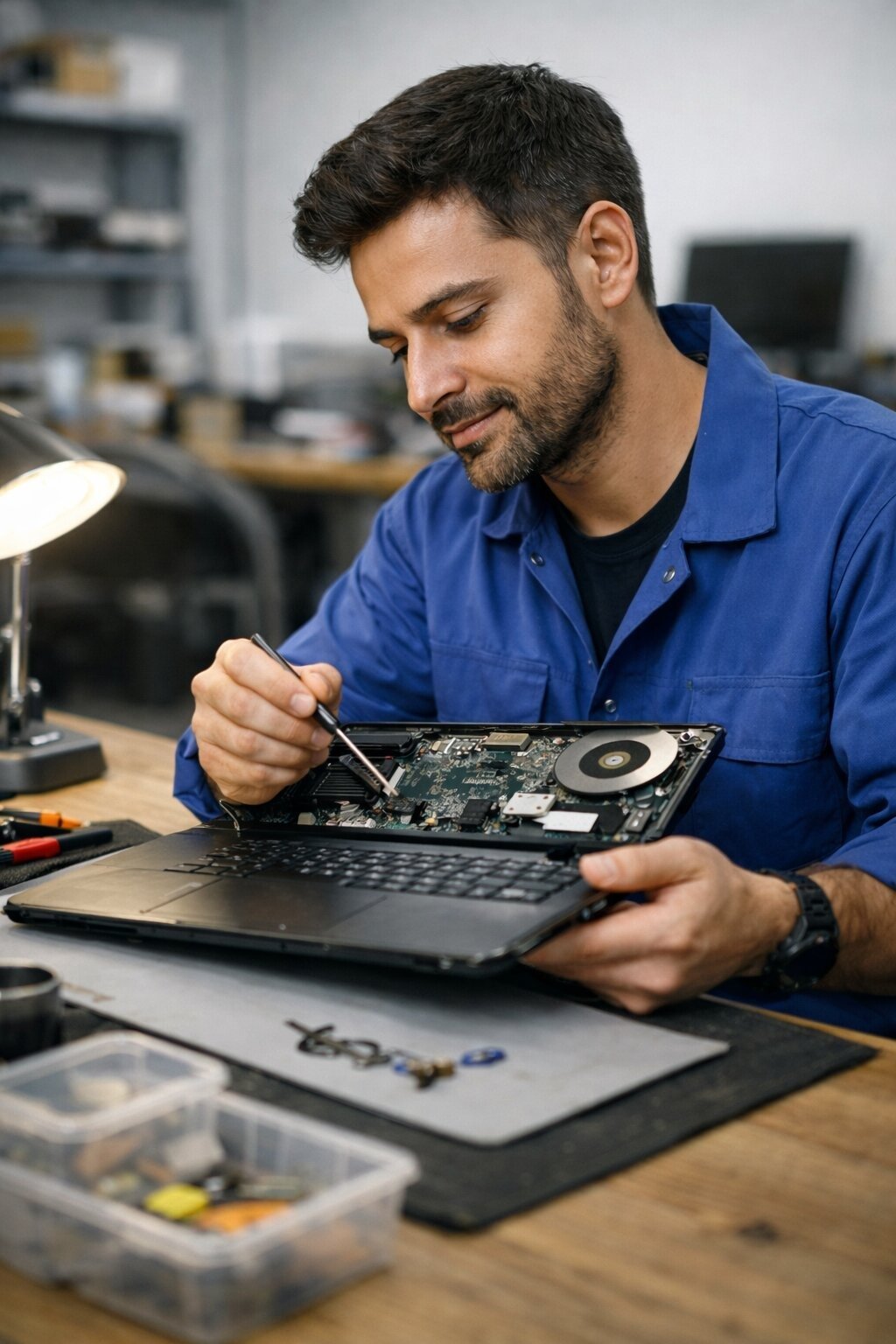
When my old Dell started showing a flickering line down the left side of the screen, my first thought was that I’d be shopping for a replacement by the weekend. My second thought was the laptop repair cost UK shoppers face in 2026, because I’d heard horror stories about £300 bills for what turned out to be a loose cable. As it happens, I paid £89 at an independent shop in Leeds and the machine is still going strong two years later. That experience taught me that laptop repair pricing in Britain is a bit of a wild west, and knowing the going rates before you walk in can save you a small fortune.
So let’s talk real numbers. What you pay depends on three things: what’s broken, whether you go to the manufacturer, a high street chain or an independent, and how old your machine is. Here’s the honest breakdown.
Laptop Repair Cost UK: What You’ll Pay in 2026
For the most common faults, expect these ballpark figures from independent repair shops, which are usually 20–40% cheaper than manufacturer service centres:
- Screen replacement: £80–£180 for most 13–15 inch laptops; £200–£350 for MacBooks and high-end OLED panels
- Battery replacement: £40–£90 for Windows laptops; £70–£130 for MacBooks
- Keyboard replacement: £50–£120 depending on whether the keyboard is a separate unit or riveted to the top case
- Charging port / DC jack: £60–£120, as it usually needs soldering
- SSD upgrade or replacement: £50–£100 labour plus the cost of the drive itself
- Fan and heatsink clean: £30–£60, the cheapest fix that makes the biggest difference to older machines
- Motherboard-level repair: £150–£300+, and honestly, often not worth it on machines over four years old
Most shops charge a diagnostic fee of £20–£40, though many waive it if you go ahead with the repair. Always ask upfront. A reputable technician will tell you the maximum you’d pay before they start, and they’ll call you if they find something unexpected.
Where You Take It Matters More Than You Think
You’ve basically got three options, and the price gap between them can be enormous.
Manufacturer service centres
Apple, Dell, HP and Lenovo all run their own repair services. The upside is genuine parts and technicians who know your exact model. The downside is cost: an out-of-warranty MacBook screen replacement through Apple can run £400+, and turnaround is often 7–10 working days because your machine gets shipped off. If your laptop is still under warranty or AppleCare, obviously start here — it’s free.
High street chains
Places like Currys’ repair service and Timpson’s tech counters sit in the middle on price. You’re paying for convenience and a recognisable name. Turnaround is usually 3–5 days. Quality is generally decent, though I’d always read recent reviews of your specific branch rather than trusting the brand alone.
Independent repair shops
This is where I ended up, and where most savvy people go. A good independent charges less, often fixes things same-day, and will give you straight advice like “mate, don’t spend £150 on this, it’s a £250 laptop.” The trick is finding a good one: look for shops with hundreds of Google reviews averaging 4.5+, a proper website with a price list, and a no-fix-no-fee policy. Ask whether they use genuine or third-party parts — for screens and batteries, third-party is fine on budget laptops but I’d insist on genuine for anything premium.
The Repairs That Are Almost Always Worth Doing
Not every fault deserves your money, but some are absolute no-brainers:
- Battery swaps on machines under 4 years old. If everything else works and the battery’s the only issue, £60 for another two years of life is a bargain. Check out our guide on why your laptop battery drains so fast first — sometimes it’s a software problem you can fix free.
- SSD upgrades. Swapping a spinning hard drive for an SSD (£40–£70 for the drive) makes a 6-year-old laptop feel new. It’s the single best value upgrade in computing.
- Screen replacement on premium laptops. A £180 screen on a £1,200 MacBook Air or XPS 13 is obviously worth it. The same repair on a £280 Chromebook from 2019 is not.
- Fan cleans and thermal paste. If your laptop sounds like a hairdryer and shuts down when warm, £40 at a shop (or free if you’re handy) can add years.
When to Walk Away and Buy New
Here’s my rule of thumb: if the repair costs more than half what an equivalent replacement would cost, buy the replacement. A £200 motherboard repair on a five-year-old laptop with a tired battery and a worn keyboard is throwing good money after bad — you’ll be back in the shop within months for the next thing.
Also be wary of the “while we’re in there” upsell. Some shops will quote the screen, then ring you about the battery, then the keyboard. Get the full quote in writing before authorising anything, and know your consumer rights when a repair goes wrong — Citizens Advice has a clear guide on what you’re entitled to if the work is shoddy.
One more scenario worth considering: if the repair quote is steep but the machine is otherwise decent, a refurbished replacement can be smarter than a brand-new one. Our piece on whether it’s safe to buy a refurbished laptop from Currys walks through what to check. And if your machine won’t even power on, read how to fix a laptop that won’t turn on but shows a charging light before assuming the worst — the fix is sometimes free.
How to Avoid Getting Ripped Off
A few hard-won lessons from years of getting laptops fixed:
- Get two quotes. Prices vary wildly — I’ve seen £120 and £220 quoted for the same screen job on the same street.
- Ask for the old parts back. It’s your right, and it keeps everyone honest.
- Back up your data before handing the machine over. Any decent shop will tell you this; back up anyway.
- Check the warranty on the repair itself. Six months minimum on parts and labour is standard; walk away from anyone offering less.
- For Apple devices specifically, check Which?’s latest reliability and repair surveys — they track which brands charge what, and it’s eye-opening.
The Bottom Line
For most common faults on a mid-range laptop, budget £60–£150 at an independent shop and you’ll be sorted. Screens on premium machines are the big exception — those can hit £300+. Before you commit, do the half-price maths: repair under half the cost of an equivalent replacement usually makes sense; over half, and your money is better spent on a new or refurbished machine. Get your quotes in writing, back up your files, and don’t let anyone pressure you into a same-day decision. Your laptop survived this long — it can survive another 24 hours while you think it over.








2 thoughts on “How Much Does a Laptop Repair Cost in the UK?”