
Best Apps for Finding Cheap Parking in UK Cities
The best apps for finding cheap parking in UK cities: RingGo, PayByPhone, JustPark compared — plus pre-booking tricks, fine appeals and EV charging tips.
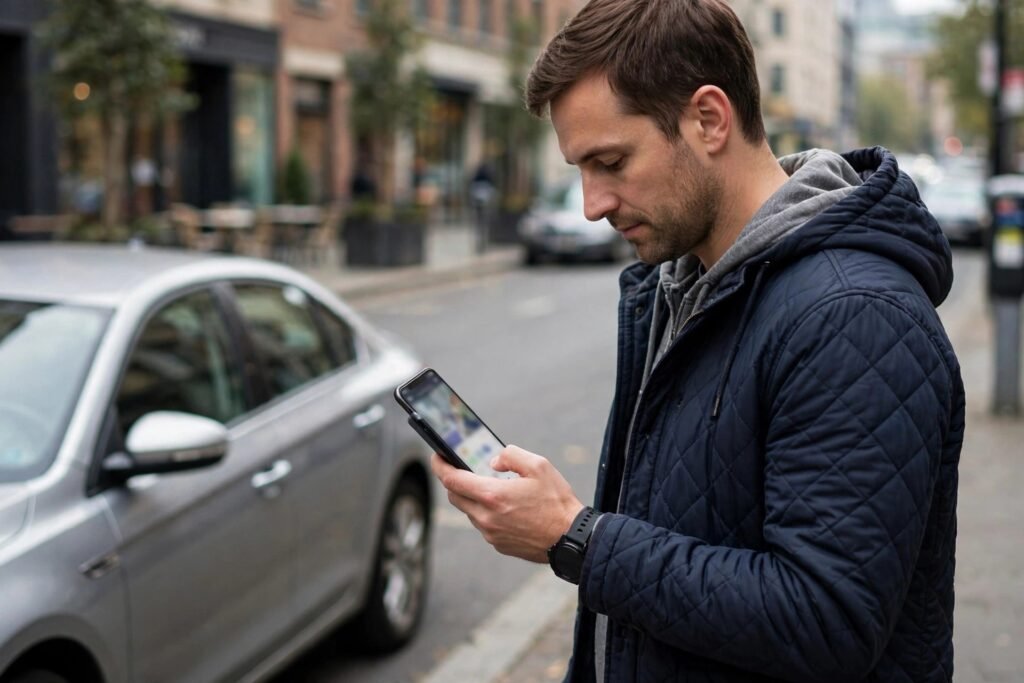
City parking in Britain is a special kind of extortion. Hourly rates of £3–£6, penalty charges of £130, and the eternal gamble of “will I find a space?” The right parking app won’t make it cheap — nothing does — but it can make it cheaper, easier and fine-free. With a dozen apps competing and councils running their own fragmented systems, here’s which ones are actually worth your phone storage.
What Parking Apps Actually Do
Three functions matter: finding spaces (where can I park near my destination?), paying (cashless payment without hunting for a machine), and managing sessions (extending remotely, reminders before expiry, receipts for expenses). The best apps do all three; most do one or two well. No single app covers every UK car park — the market is fragmented by council contracts — so most drivers need two or three.
The Essential Apps
RingGo: The Widest Coverage
RingGo covers the most UK locations — thousands of car parks across hundreds of councils. If you install one parking app, make it this one. It handles pay-and-display replacement, lets you extend sessions remotely (where the council allows), and stores receipts. The 20p-ish convenience fee per transaction irritates, but it’s cheaper than a £65 fine. Coverage gaps exist (some councils use rivals), so check your regular destinations.
PayByPhone: The Strong Alternative
Particularly strong in London and major cities. Clean interface, reliable session extensions, good Apple Pay/Google Pay integration. Many drivers prefer its UX to RingGo’s. Like all these apps, its usefulness depends entirely on whether your destinations support it — check before relying on it.
JustPark: The Airbnb of Parking
JustPark’s killer feature is private space rental — driveways, office car parks and allocated spaces rented by the hour, day or month. Near stations, stadiums and city centres, pre-booked private spaces often cost less than public car parks and guarantee availability. For commuters, monthly driveway rentals near stations (£50–£150/month) can undercut station car parks dramatically. Also useful for event parking where public options vanish.
Parkopedia / Google Maps: Finding Spaces
For the “where can I park?” question, Parkopedia’s database of car parks (prices, hours, height restrictions, EV charging) is the most comprehensive. Google Maps increasingly shows parking difficulty and car park locations. Use these for planning, then pay with whichever app the chosen car park supports.
Council Apps and the Fragmentation Problem
Many councils run their own apps or contract exclusively with one provider. This means the “right” app varies by city — Birmingham might be RingGo, Manchester PayByPhone, your borough something else entirely. The practical approach: install RingGo and PayByPhone (covering most locations between them), add JustPark for private spaces, and check signage on arrival — car park signs always state which app to use. Screenshot the tariff board too; disputes over unclear signage are winnable.
Money-Saving Strategies Beyond Apps
Pre-book where possible. NCP, Q-Park and JustPark offer advance-booking discounts of 20–50% versus drive-up rates. For planned trips (airport, events, hospital appointments), booking days ahead pays.
Check clean air zone charges separately. Parking apps don’t cover ULEZ, CAZ or congestion charges — separate systems, separate fines. Check clean air zones on GOV.UK before driving into unfamiliar cities, and check TfL’s ULEZ status for London. A £12.50 daily charge you didn’t know about stings worse than any parking fee.
Use park and ride. Most cities offer park-and-ride at a fraction of city-centre parking, often with bus fares included. The apps won’t suggest it; local knowledge will.
Know your appeal rights. Unfair penalty charges — unclear signage, faulty machines, mitigating circumstances — can be appealed, and a significant proportion of appeals succeed. Photograph everything at the time: the signage, the machine, your ticket. Never ignore a penalty notice; escalate through the formal appeals process.
EV Drivers: The Extra Layer
Electric car drivers juggle parking apps plus charging apps (Zapmap for finding chargers, plus individual network apps). Some car parks now integrate EV charging with parking payment; most don’t. Plan charging and parking as separate problems — the car park with cheap rates may have no chargers, and vice versa. Zapmap’s filters for charger speed, availability and pricing are essential pre-trip planning.
Blue Badges, Permits and Resident Parking
Parking apps cover pay-and-display, but much urban parking runs on permits and exemptions. Blue Badge holders park free in most pay-and-display bays and on single/double yellow lines (with time limits) — but the rules vary by borough, especially in central London (where the Blue Badge doesn’t apply in the same way — check the specific borough). Resident permits are council-issued and increasingly app-managed — apply through your council’s website, not a parking app. Visitor permits for guests work similarly. And business permits for tradespeople parking at job sites. None of these live in RingGo or PayByPhone by default — they’re separate council systems. If you’ve just moved, sorting your resident permit in the first week avoids the classic newcomer’s £65 welcome gift. Councils process applications online in days, but the gap between moving in and the permit arriving is exactly when fines strike.
The Bottom Line
Install RingGo and PayByPhone for payment coverage, JustPark for private spaces and pre-booking, and use Parkopedia or Google Maps for finding car parks. Pre-book for planned trips, check clean air zones separately, photograph signage, and appeal unfair penalties. Parking will never be cheap in British cities — but with the right apps, it can at least be painless, predictable and fine-free. For the driving itself, our guide to travelling around Scotland without a car proves the cheapest parking is sometimes no car at all. And before any long drive, AI car diagnostics can catch issues that would ruin a trip.
Frequently Asked Questions
Why do parking apps charge a convenience fee?
The fee (typically 10–30p) covers the app’s transaction processing — councils pay providers per transaction rather than absorbing the cost. It’s annoying but almost always cheaper than the alternative: not being able to extend your session and getting a £65+ penalty.
Can I extend my parking session remotely?
Usually yes, where the car park allows it — this is the killer feature of parking apps. But some locations cap maximum stays or prohibit extensions (to prevent all-day commuter parking in short-stay bays). Check the location’s rules in the app before relying on extensions.
What if my phone dies and I can’t pay?
Most car parks still accept card or cash at machines as backup — apps are an option, not the only method. If a location is app-only and your phone fails, photograph the situation and appeal any penalty with evidence. Keep a car charger; a dead phone in an app-only car park is a modern nightmare.
Are private driveway rentals legal and safe?
Yes — platforms like JustPark formalise what was always informal. Spaces are vetted, payments are protected, and terms are clear. Check access instructions carefully (some driveways have tight access) and arrive within your booked window.
How do I avoid parking fines entirely?
Read every sign before leaving your car (restrictions hide in the small print), set a phone reminder for 10 minutes before your session expires, photograph the signage and your dashboard ticket as evidence, and never assume “it’s free on Sundays” — many city-centre restrictions apply seven days a week. The drivers who never get fined aren’t lucky; they’re systematic.