
How To Build A Budget Gaming PC In The UK
Build a budget gaming PC in the UK without wasting money: the best-value parts in 2026, where to buy them and assembly tips for first builders. Read more.
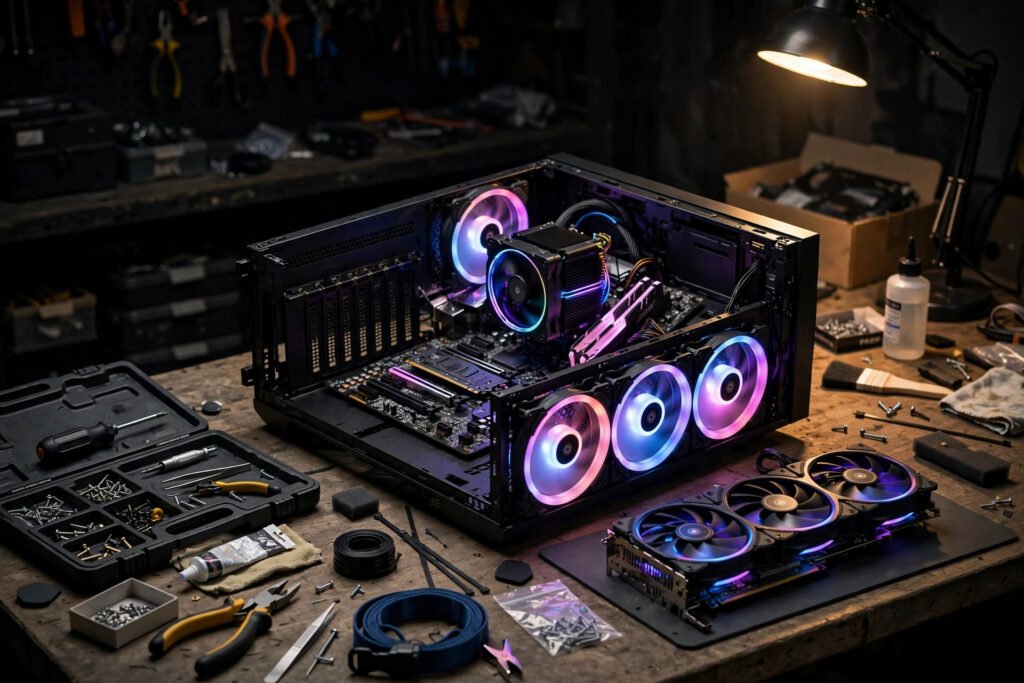
A prebuilt gaming PC with a respectable graphics card can easily cost £1,200 or more in the UK — but building your own equivalent machine for £600–£800 is entirely realistic in 2026, and you will end up with a better-balanced system than most off-the-shelf boxes at the same price. The secret is not hunting for miracle deals; it is knowing where money matters (the graphics card and power supply) and where it does not (RGB lighting, premium cases, more RAM than you will ever use).
This guide walks through building a genuinely capable 1080p gaming PC on a UK budget: what each part does, where to buy, and the assembly mistakes that cost beginners money.
What Each Part Does (and What to Spend)
Graphics card (GPU) — ~40% of your budget. This is the single biggest determinant of gaming performance. At the budget end in 2026, cards like the RTX 4060 or AMD’s RX 7600 deliver excellent 1080p performance for £250–£300. Buy the best GPU your budget allows; everything else can be modest. Check current UK prices on comparison sites — GPU prices fluctuate constantly, and last month’s bargain is often this month’s rip-off.
Processor (CPU) — ~£120–£150. For gaming at 1080p, a mid-range chip like a Ryzen 5 5600 or Intel i5-12400F is plenty — the GPU does the heavy lifting. Do not overspend here; a £300 CPU paired with a £200 GPU is the classic beginner mistake that produces a worse gaming PC than the reverse.
Motherboard, RAM, storage — ~£200 combined. Any compatible B-series motherboard (£80–£100), 16GB of DDR4 RAM (£35–£45 — 32GB is unnecessary for gaming), and a 1TB NVMe SSD (£55–£70). Skip the hard drive entirely; SSDs are non-negotiable in 2026, and games load dramatically faster.
Power supply (PSU) — ~£60–£70. The unglamorous part beginners cheap out on and regret. A failing PSU can kill every other component. Buy a reputable 550–650W unit with an 80+ Bronze rating or better from a known brand (Corsair, Seasonic, be quiet!). Never reuse a decade-old PSU from a previous build.
Case — ~£40–£60. Anything with decent airflow (mesh front panel) that fits your parts. Aesthetics are free to ignore at this budget — performance per pound is the goal, and a plain black box with good airflow will serve you for a decade of upgrades.
Where to Buy Parts in the UK
Scan, Overclockers UK, CCL and Box are the established British PC component retailers, all with solid returns policies. Amazon UK is fine for commodity parts (RAM, SSDs, cases) but watch for third-party sellers on GPUs. For used parts, CeX offers warranties on second-hand components — a used GPU from the previous generation can be the best value in the entire build, though buy the PSU new, always.
Use PCPartPicker’s UK site to check compatibility automatically — it flags mismatched sockets, oversized coolers and underpowered PSUs before you spend a penny. Set price alerts and be patient: buying everything in one impatient afternoon typically costs 10–15% more than spreading purchases over a few weeks of deal-watching. Black Friday and the January sales are genuinely the cheapest times to buy PC components in Britain, with GPUs and SSDs seeing the steepest discounts.
Assembly: The Beginner-Proof Order
Build outside the case first: mount the CPU, cooler and RAM on the motherboard, connect the PSU, and test-boot on the motherboard box. This “breadboard” test takes ten minutes and saves hours of troubleshooting a fully assembled machine that will not POST. If it boots to BIOS, you are 80% done.
Then install the motherboard in the case, add the GPU, connect power cables (the 24-pin motherboard, 8-pin CPU, and GPU power — all keyed so they only fit one way), and cable-manage loosely. Take photos of your cable routing before closing the case; future-you will be grateful when troubleshooting or upgrading. Install Windows from a USB stick (a legitimate licence key costs around £100; free alternatives like Linux gaming via Proton are viable but add complexity for beginners).
The mistakes that cost money: forcing the CPU into the socket (it should drop in with zero force — align the triangle markers), forgetting the motherboard standoffs (short circuits), plugging the monitor into the motherboard instead of the GPU (you will wonder why games run terribly), and static discharge (touch the case periodically; an anti-static wristband costs £5).
Once it is running, the rest of the setup matters too — fast, affordable broadband for online gaming makes more difference to multiplayer than any hardware upgrade, and if you are kitting out the whole space, building a budget home entertainment setup covers the room around the rig.
Upgrading Later: The Smart Path
One of the great advantages of building your own PC is that it grows with you. The smartest budget strategy is to build a solid foundation now and upgrade one component at a time. The typical path: start with the build above, then in a year or two, drop in a better graphics card (the single upgrade that transforms gaming performance), add a second SSD when the first fills up, and only then consider a CPU upgrade — which may just mean a newer chip in the same motherboard socket, a £150 job rather than a rebuild.
When upgrading, sell the old part: used GPUs hold their value well on eBay and CeX, often recouping half the upgrade cost. And keep your boxes and receipts — organised builders get better resale prices and faster warranty claims. A self-built PC is never finished; it evolves, which is half the fun.
Frequently Asked Questions
How much does a budget gaming PC cost in the UK in 2026?
£600–£800 builds a genuinely capable 1080p machine if you shop carefully — roughly half the price of an equivalent prebuilt. The graphics card should take about 40% of the budget; that is where gaming performance comes from.
Is it cheaper to build or buy a gaming PC?
Building is almost always cheaper for the same performance, typically saving 15–30% versus prebuilts, and you get better-balanced components. Prebuilts make sense only if you value the warranty and convenience highly — and even then, compare specs carefully, as cheap prebuilts often pair weak GPUs with flashy cases.
What is the most important part of a gaming PC?
The graphics card, by a wide margin — it determines gaming performance more than everything else combined. Second is a reliable power supply, because a bad one can destroy the whole system. Spend accordingly.
Can a beginner really build a PC?
Yes — modern PC building is closer to expensive Lego than to engineering. Parts only fit where they belong, there are thousands of step-by-step video guides, and a first build typically takes 2–4 hours. The Which? tech guides and BBC technology news are useful for staying current on component releases.
Should I buy a used graphics card?
Often yes — it is the best value in a budget build. Buy from sellers with warranties (CeX offers them on used components), avoid cards that were used for cryptocurrency mining around the clock, and test thoroughly within the return window. Never buy a used power supply, though; that is the one component to always buy new.