How To Stop Getting Motion Sickness While Gaming For UK Families
Gaming makes you queasy? Proven fixes for motion sickness while gaming: display settings, hardware tweaks and habits that keep sessions comfy. Read more.
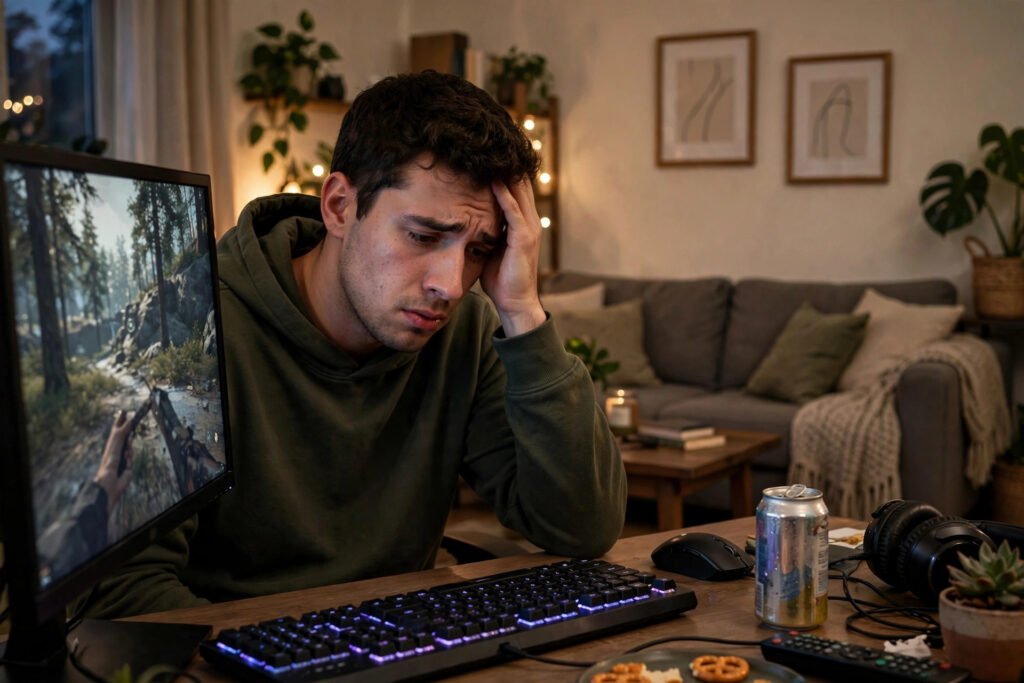
You are twenty minutes into a new game, the camera is swooping through a canyon, and suddenly your stomach lurches. You feel dizzy, a little nauseous, maybe with a headache blooming behind your eyes. You are not ill — you have simulator sickness, the gaming cousin of motion sickness, and it affects a huge number of players. Some studies suggest up to half of gamers experience it in certain genres. The good news: it is well understood, highly manageable, and most people can train themselves past it.
This guide explains why games make you queasy, the in-game settings that fix most cases, and the physical habits that keep longer sessions comfortable — including looking after your eyes and improving your desk posture, which both play a bigger role than most players realise.
Why Games Make You Feel Sick
Motion sickness — whether from cars, boats or video games — is a sensory conflict. Your eyes tell your brain you are hurtling through space; your inner ear (the vestibular system) reports that you are sitting perfectly still on a chair. The brain interprets this mismatch as a problem — one leading theory says it mistakes the confusion for poisoning, hence the nausea, which is the body trying to expel the imagined toxin. Charming, but unhelpful.
Certain games trigger it more than others. First-person shooters with narrow fields of view, rapid camera movement and head-bob effects are the worst offenders; smooth third-person games and top-down strategy titles rarely cause problems. Low frame rates make everything worse — a game stuttering at 30fps with screen tearing is far more nauseating than the same game locked at 60fps. VR headsets amplify the effect dramatically, which is why VR comfort settings exist.
The Settings That Fix Most Cases
Before anything else, adjust the field of view (FOV). A narrow FOV (the default 60–70 in many shooters) exaggerates the sense of speed and fills your peripheral vision with motion. Raising it to 90–110 dramatically reduces nausea for most players — it is the single most effective setting change you can make. If a game locks the FOV low and offers no slider, that is worth knowing before you buy.
Next: turn off head bob and camera shake. These “immersive” effects add constant micro-motion that your stomach hates. Disable motion blur too — it smears the image during fast movement and increases the sensory mismatch. Enable any “reduce camera shake” or “steady camera” accessibility options. Then check your frame rate: enable performance mode on consoles (60fps or 120fps over 4K resolution, always, if you are prone to sickness), and on PC, lower resolution or graphics settings until the frame rate is high and, crucially, stable — fluctuations are worse than a consistently lower rate.
For VR specifically, use teleport or snap-turn movement instead of smooth locomotion, enable vignetting (which narrows your view during movement), and start with stationary experiences before attempting full movement games.
Physical Habits That Help
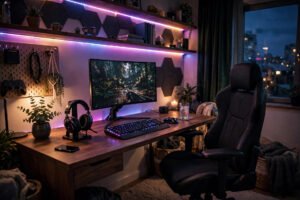
Your setup and body matter as much as settings. Sit further from the screen — the more of your visual field the screen fills, the stronger the illusion of motion. In a dark room, the glowing screen dominates your vision; a softly lit room with bias lighting behind the monitor gives your brain stationary reference points, which calms the conflict. Keep the room cool and ventilated; heat and stuffiness amplify nausea noticeably.
Take structured breaks: the 20-20-20 rule (every 20 minutes, look at something 20 feet away for 20 seconds) helps your eyes, and standing up, walking about and focusing on the stable real world resets your vestibular system. Do not “push through” growing nausea — it compounds, and a session that ends in genuine sickness can create a lasting aversion to the game. Stop at the first signs, recover fully, and come back tomorrow.
Eat sensibly before long sessions: game on a settled stomach, avoid heavy greasy food and alcohol, and keep water nearby — dehydration worsens every symptom. Ginger (biscuits, tea or capsules) has decent evidence for mild motion sickness, and acupressure wristbands help some people. The NHS guidance on motion sickness covers remedies in more detail.
Games and Genres: A Comfort Ranking
Not all games are created equal for sensitive stomachs. From most to least comfortable: turn-based strategy and puzzle games (essentially zero risk), top-down and isometric titles, slow third-person adventures, fast third-person action, and finally first-person shooters and VR — the peak nausea zone. If you are highly susceptible, you do not have to avoid intense genres entirely; just enter them gradually and with settings optimised.
When buying new games, check reviews and forums for motion sickness mentions — certain notorious titles come up repeatedly, while others are praised for comfort options. Games with extensive accessibility settings (FOV sliders, camera shake toggles, third-person options) signal developers who take comfort seriously. And remember that sequels and same-engine games usually share comfort characteristics: if one game in a series bothers you, its siblings probably will too, while a comfortable series is a safe bet.
Training Yourself Past It
Here is the encouraging part: most people adapt. The vestibular system learns, and repeated short exposures teach your brain that the sensory mismatch is not dangerous. The method is gradual exposure: play in 15–20 minute sessions, stopping before symptoms build, and extend the time slowly over days and weeks. Most players see major improvement within two to three weeks.
Start with comfortable games and work upward in intensity — begin with third-person or slower titles before tackling fast first-person shooters. Vary the games rather than grinding one nauseating title; adaptation generalises. And keep notes on what triggers you (specific games, camera styles, session lengths) so you can recognise patterns and adjust settings pre-emptively rather than suffering through.
A small minority of people remain highly susceptible despite all of this. If motion sickness is severe, affects daily life (cars, trains, boats), or comes with hearing changes or severe dizziness, see your GP — occasionally it signals an inner-ear condition worth investigating, and the College of Optometrists notes that uncorrected vision problems can amplify screen-related discomfort, so an eye test is a sensible step too.
Frequently Asked Questions
Why do I feel sick playing video games but not watching TV?
Interactivity is the difference. When you control the camera, your brain expects the visual motion to match your inputs precisely; any lag, stutter or exaggerated movement creates a sensory conflict. Passive TV involves no such expectation, so the mismatch never arises.
What is the best field of view to prevent motion sickness?
For most players, 90–110 in first-person games — significantly wider than the 60–70 many games default to. Wider FOV reduces the exaggerated sense of speed that triggers nausea. Experiment within that range to find your comfort zone.
Does motion sickness from gaming go away?
For most people, yes — the vestibular system adapts with gradual exposure. Short sessions that stop before symptoms build, extended slowly over two to three weeks, resolve it for the majority of players. Persistent severe cases are worth discussing with a GP.
Are some people just unable to play first-person games?
A small minority remain highly susceptible, but most “I can’t play FPS games” cases are actually “I haven’t adjusted the settings and built up tolerance.” FOV widening, 60fps+ frame rates, disabled head-bob and gradual exposure solve it for the large majority.
Can children get gaming motion sickness?
Yes — children are generally more susceptible to motion sickness than adults. The same fixes apply (FOV, frame rate, breaks, room lighting), with shorter sessions. If a child feels ill, stop immediately; pushing through risks putting them off gaming entirely.